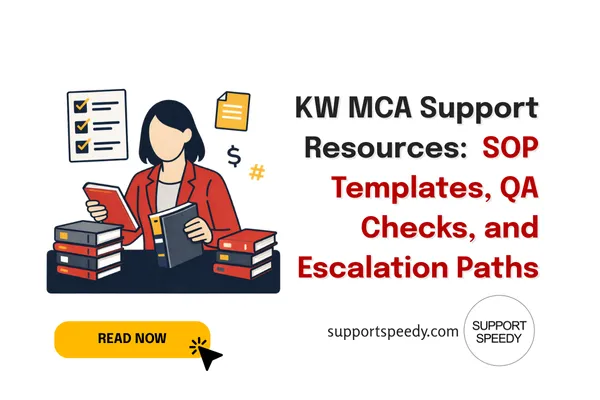
KW MCA Support Resources: SOP Templates, QA Checks, and Escalation Paths | Support Speedy
When a Market Center runs smoothly, it’s rarely because the MCA is “faster.” It’s because the office has resources: SOPs, checklists, QA checkpoints, and escalation paths that prevent repeat mistakes.
This article lays out practical KW MCA support resources you can implement immediately—whether you’re building an internal ops system or partnering with a KW-trained support provider like Support Speedy.
The 3 resources every MCA needs
1) SOPs (Standard Operating Procedures)
SOPs aren’t long manuals. The best SOPs are short, visual, and tied to the system you use.
SOP must include:
- Trigger: what starts the workflow
- Steps: 5–12 steps maximum
- Definition of done
- QA checkpoints
- Escalation rules
2) QA checkpoints (the “never skip” steps)
QA should focus on high-risk steps—places where a small error causes big rework. Examples:
- Signature/initial verification on key docs
- Checklist milestone alignment with reality
- Invoice amount/date validation before sending
- Correct routing/acknowledgment for transmittals
3) Escalation paths (so work doesn’t stall)
Most stalls happen because no one knows who owns the exception. Define a simple ladder:
- Level 1: routine follow-up (assigned to support)
- Level 2: repeated non-response (MCA decides next step)
- Level 3: risk to closing/revenue (OP/TL informed)
- Level 4: compliance/legal risk (broker pathway)
Simple SOP template (copy/paste)
Workflow name: (e.g., Compliance File Prep – Under Contract)
- Trigger: File enters Under Contract status
- Goal: File meets compliance standards and is closing-ready
- Steps:
- Open file and confirm required docs list
- Verify signatures/initials
- Update checklist and note missing items
- Send missing-items follow-up
- Log due dates and owners
- Re-check within 48 hours
- QA checkpoints: signatures verified; checklist updated; follow-up logged
- Escalation: If closing is within X days and items missing → escalate to MCA
- Definition of done: All required items present OR exception documented + escalated
How to build a “resource hub” your team actually uses
A resource hub fails when it’s hidden, outdated, or too big. Keep it tight:
- One page for each workflow (SOP + checklist)
- One “exceptions” page (what to do when something goes wrong)
- One “contacts + escalation” page
- Monthly 15-minute maintenance: remove outdated steps
Where Support Speedy can strengthen your SOP system
Even with great SOPs, MCAs often struggle with throughput. A KW-trained support team can:
- Execute checklist-driven steps consistently (deal processing support, compliance hygiene)
- Run AR/AP workflows on cadence
- Provide simple status reporting so you can manage exceptions
Support Speedy’s services are designed around those repeatable pillars, while allowing you to keep decision-making and escalation in-house. Explore details at Our Services and learn their approach on About.
ELI5: SOPs are the map; QA is the guardrail
If SOPs are the map, QA checkpoints are the guardrails that stop you from driving off a cliff when you’re tired or distracted. The goal isn’t perfection—it’s fewer costly mistakes.
Internal links to add for SEO + user journey
- KW MCA Support: Daily Tasks & Checklists
- MCA Software & Tools: Keeping Systems in Sync
- Support Speedy Services
- About Support Speedy
If you want social proof before making any changes, review Testimonials.